
Google Calendar Notion Widget
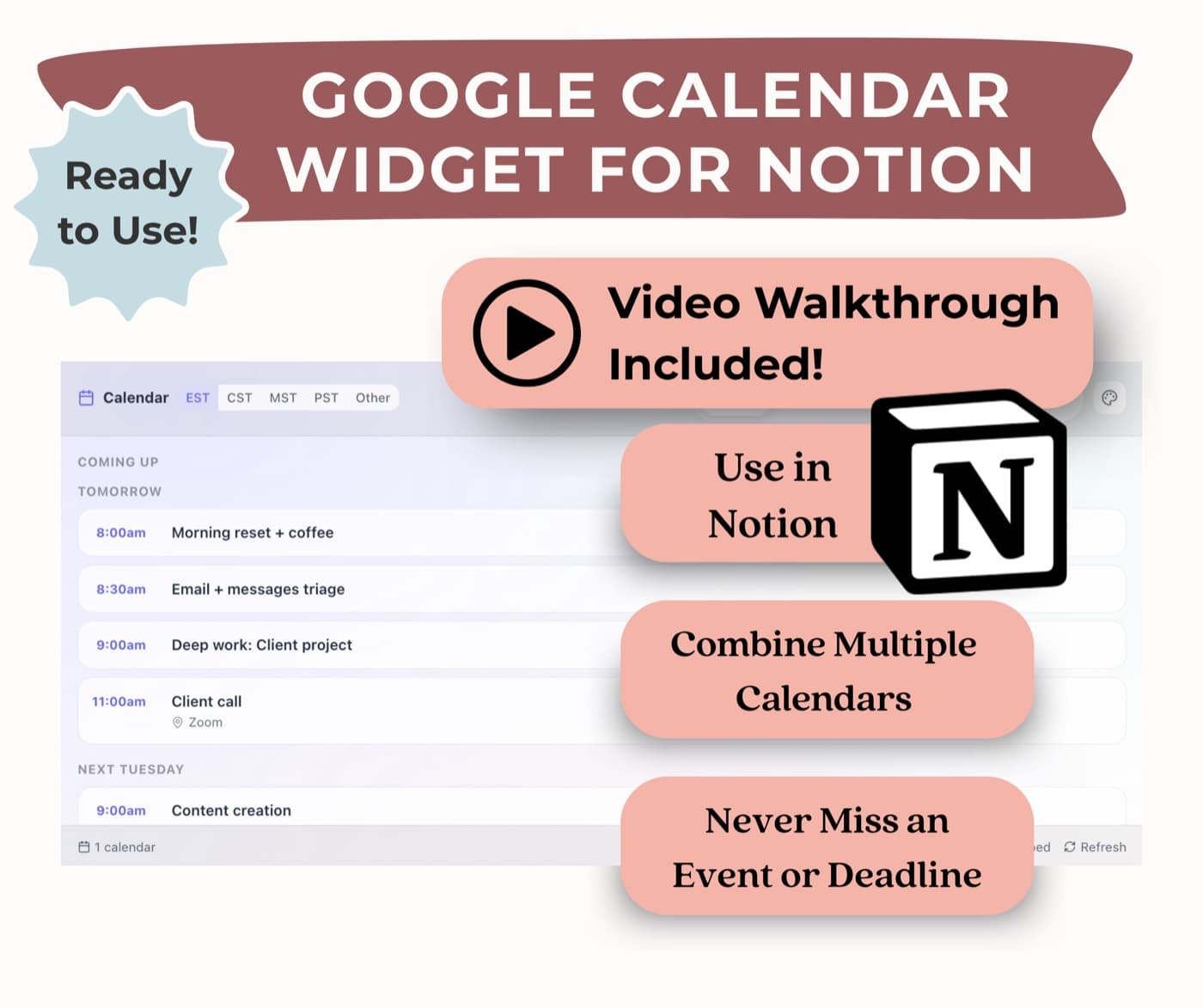
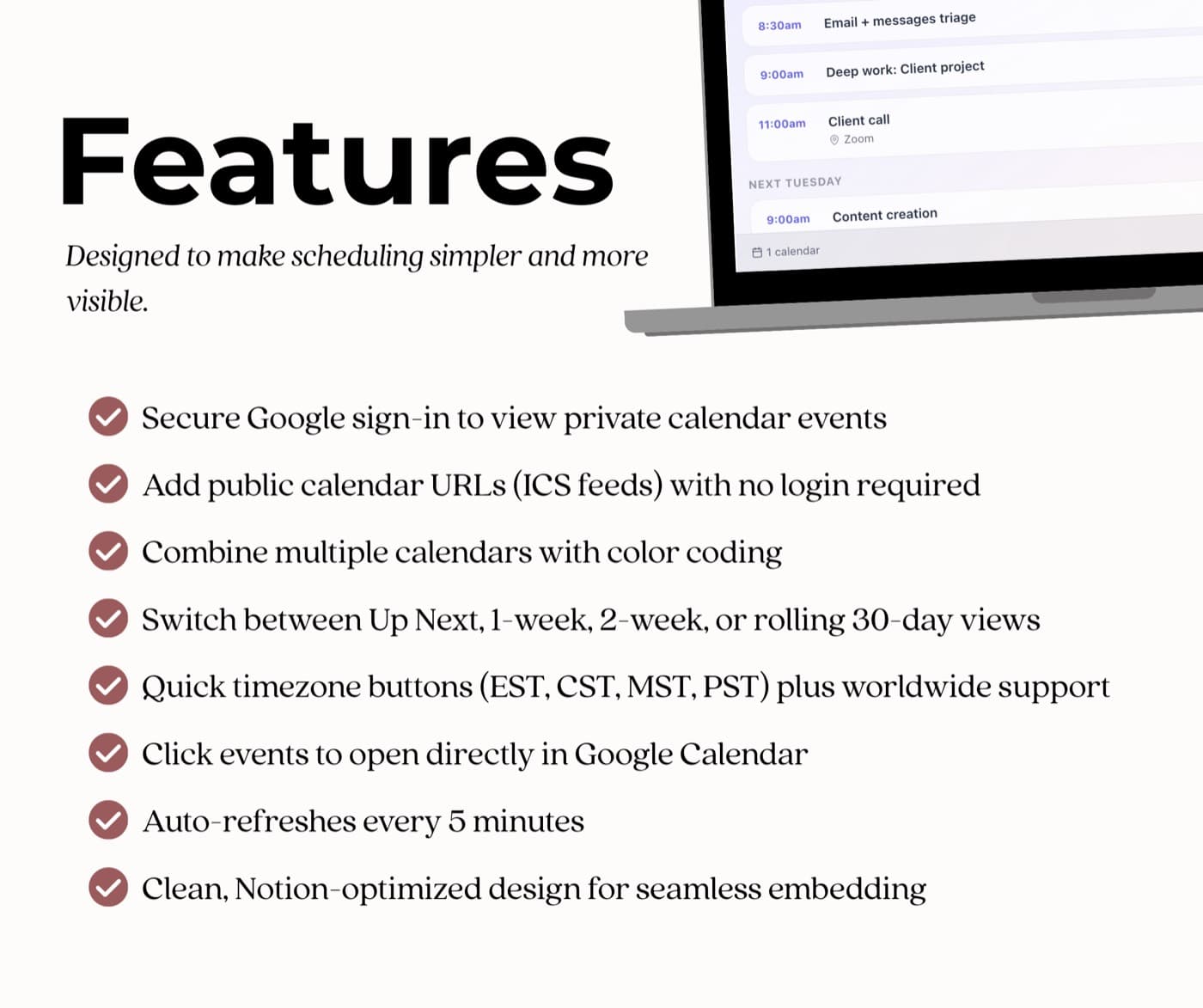
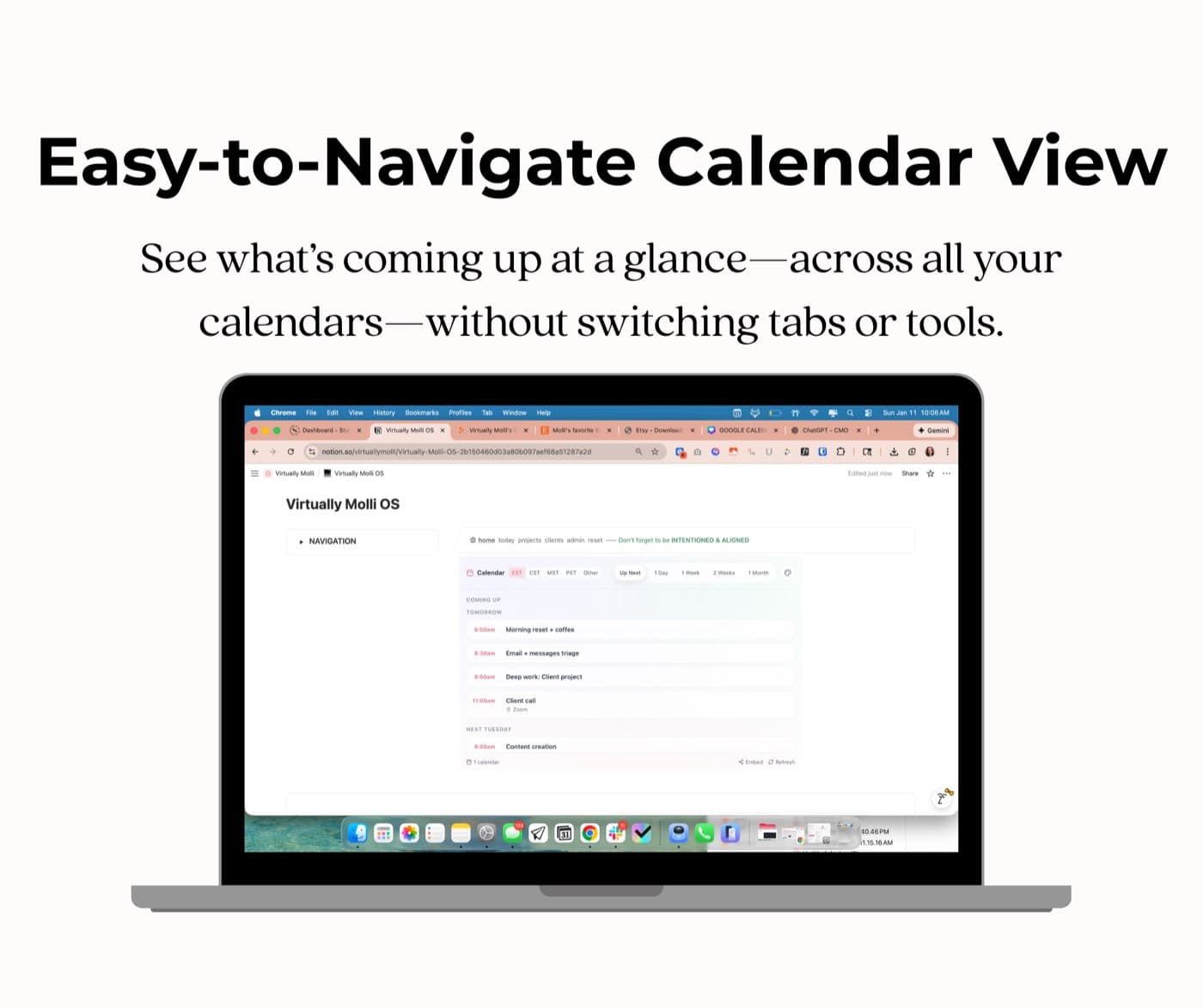
When your calendar lives in one tab and your work lives in Notion, you spend the day toggling between them. This widget drops your Google Calendar straight into your Notion workspace, so the day you're planning and the schedule you're planning around finally sit in the same place. Combine multiple calendars into one color-coded view, switch between up-next, one-week, two-week, or a rolling 30 days, and click any event to open it in Google Calendar. It refreshes every five minutes on its own.
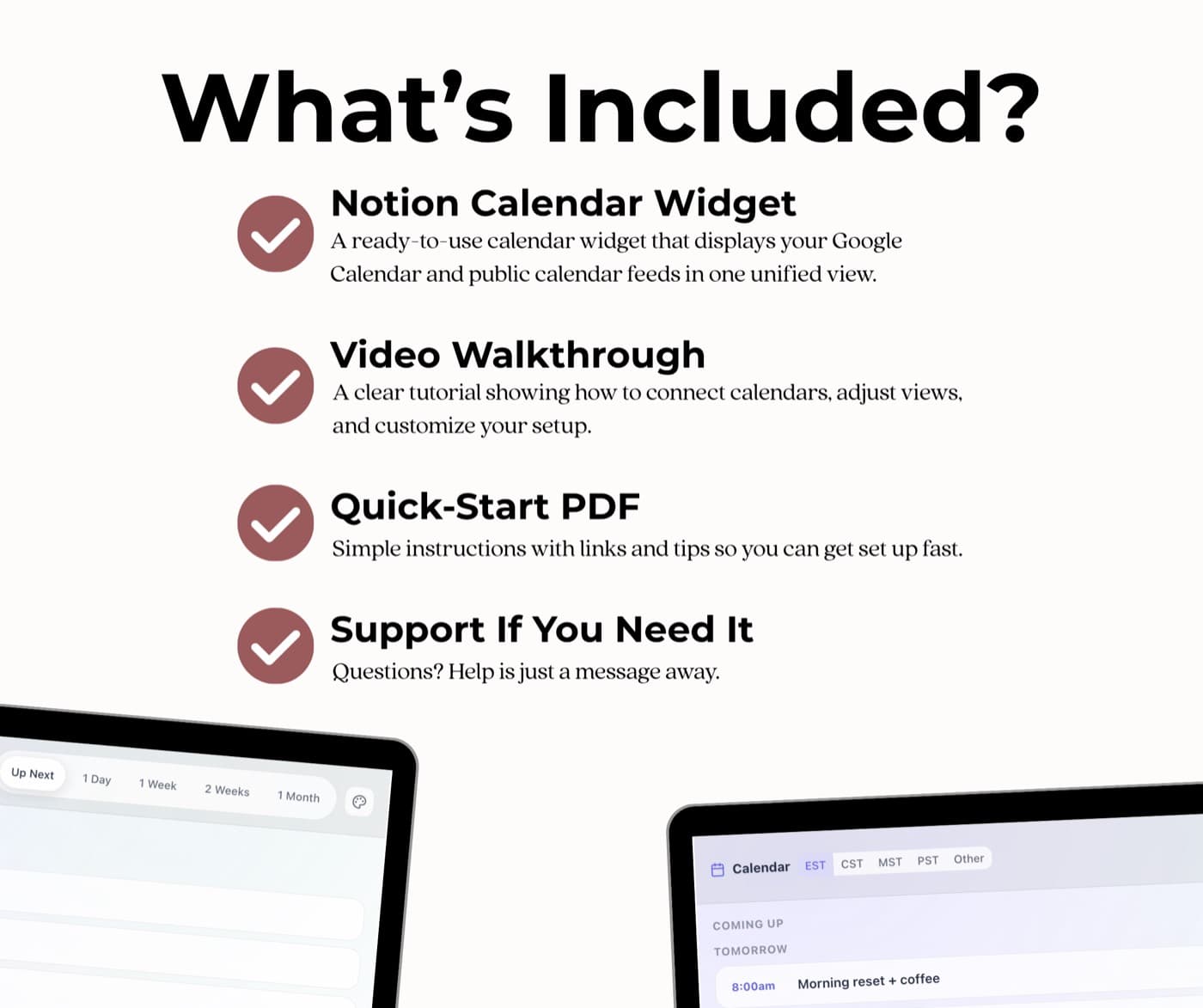
- A Notion-ready widget that shows your Google Calendar inside your workspace
- Multiple calendars combined into one color-coded view
- Timezone buttons for EST, CST, MST, PST, plus worldwide options
- A video walkthrough and a quick-start PDF for connecting it
If it doesn't work for your setup, email me and we'll fix it or refund it. No forms, no hoops.
Powered by Stripe Guest checkout · Apple Pay & Google Pay · Instant delivery
Three steps, about five minutes
Connect your calendar.
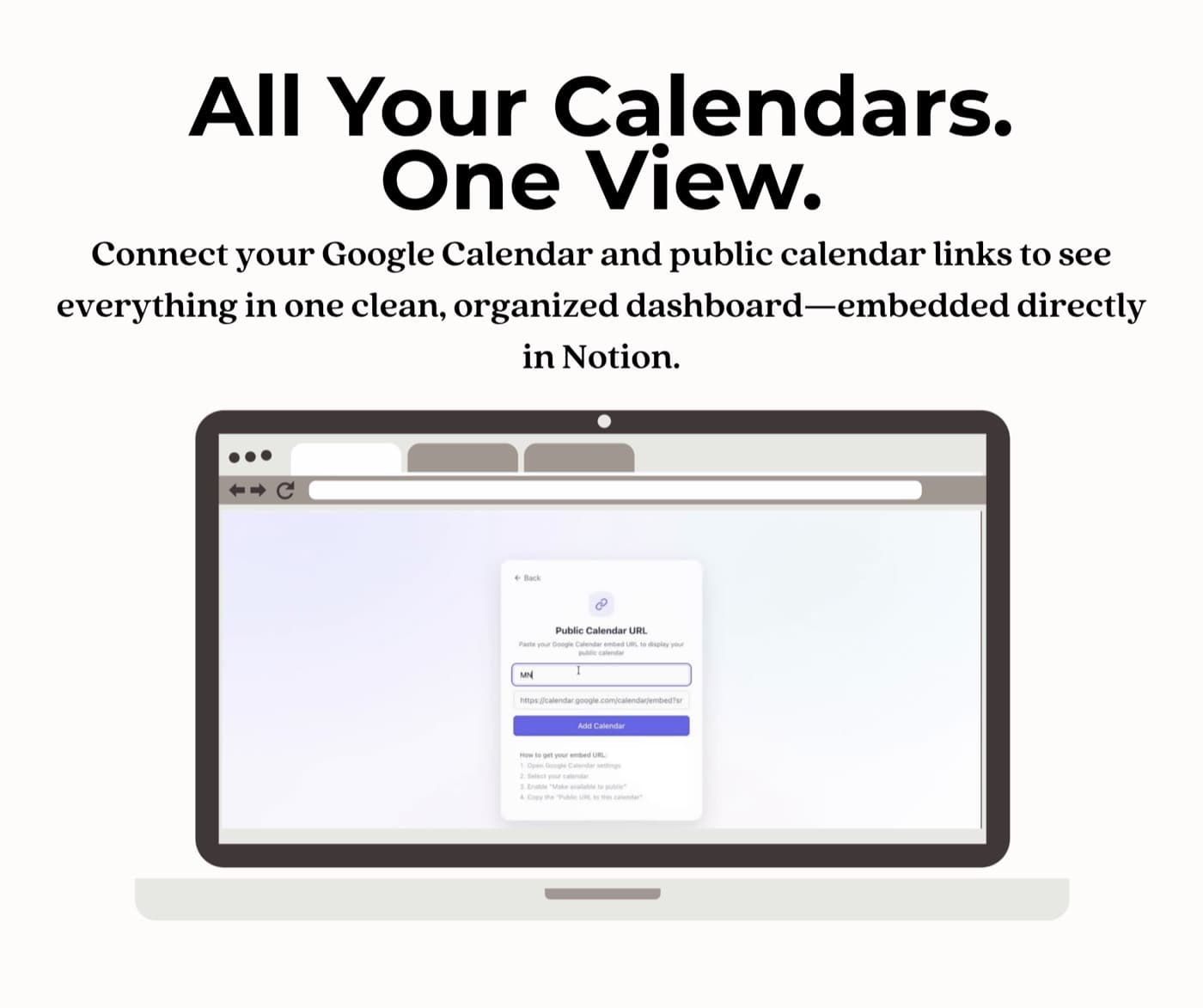
Sign in with Google for private calendars, or paste a public ICS link, no login needed.
Set your view.
Pick your timezone and choose up-next, one-week, two-week, or rolling 30-day.
Embed it in Notion.
Drop the widget into any page. The walkthrough shows you where. It refreshes itself from there.