
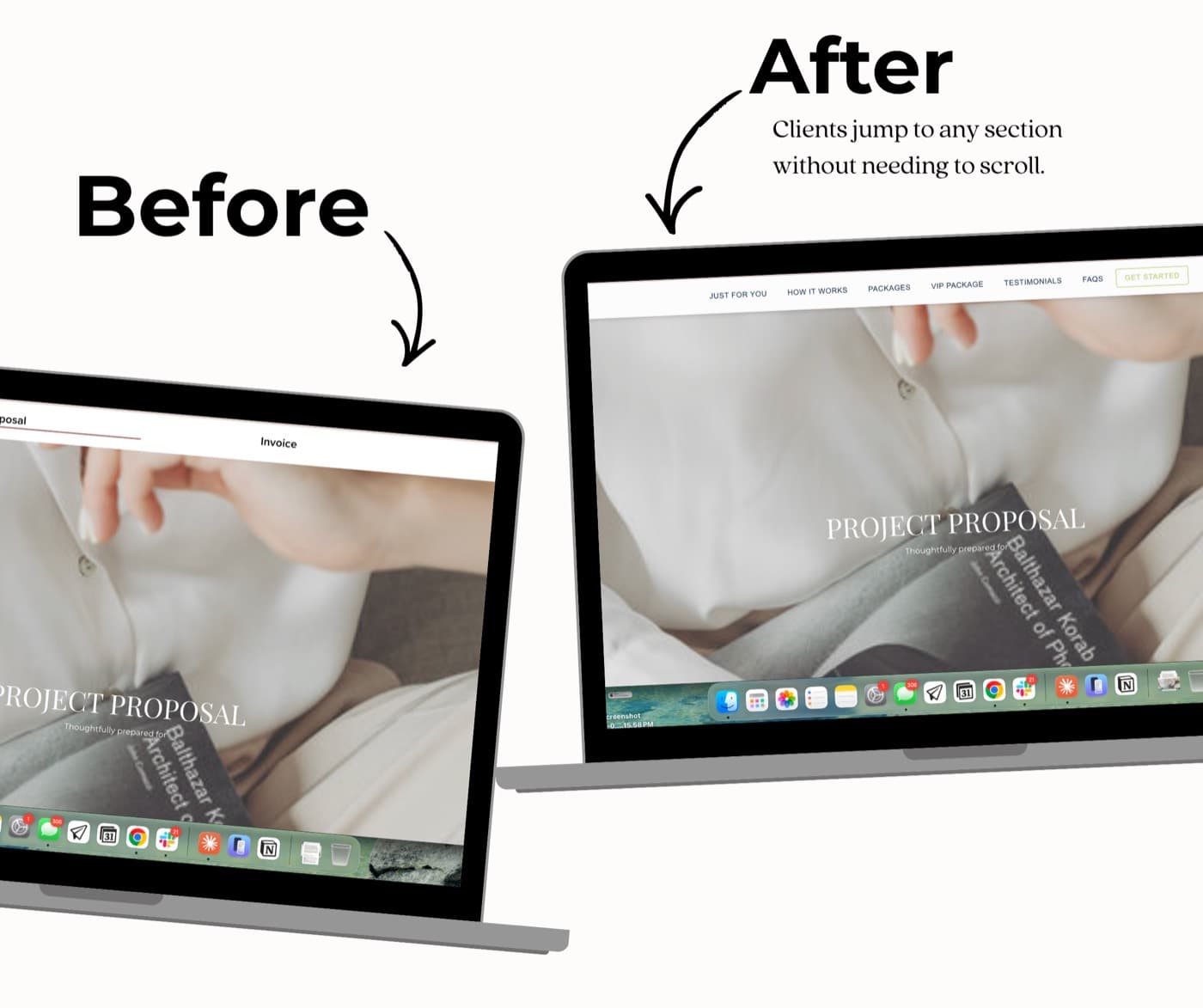
Dubsado Nav Bar Code Builder
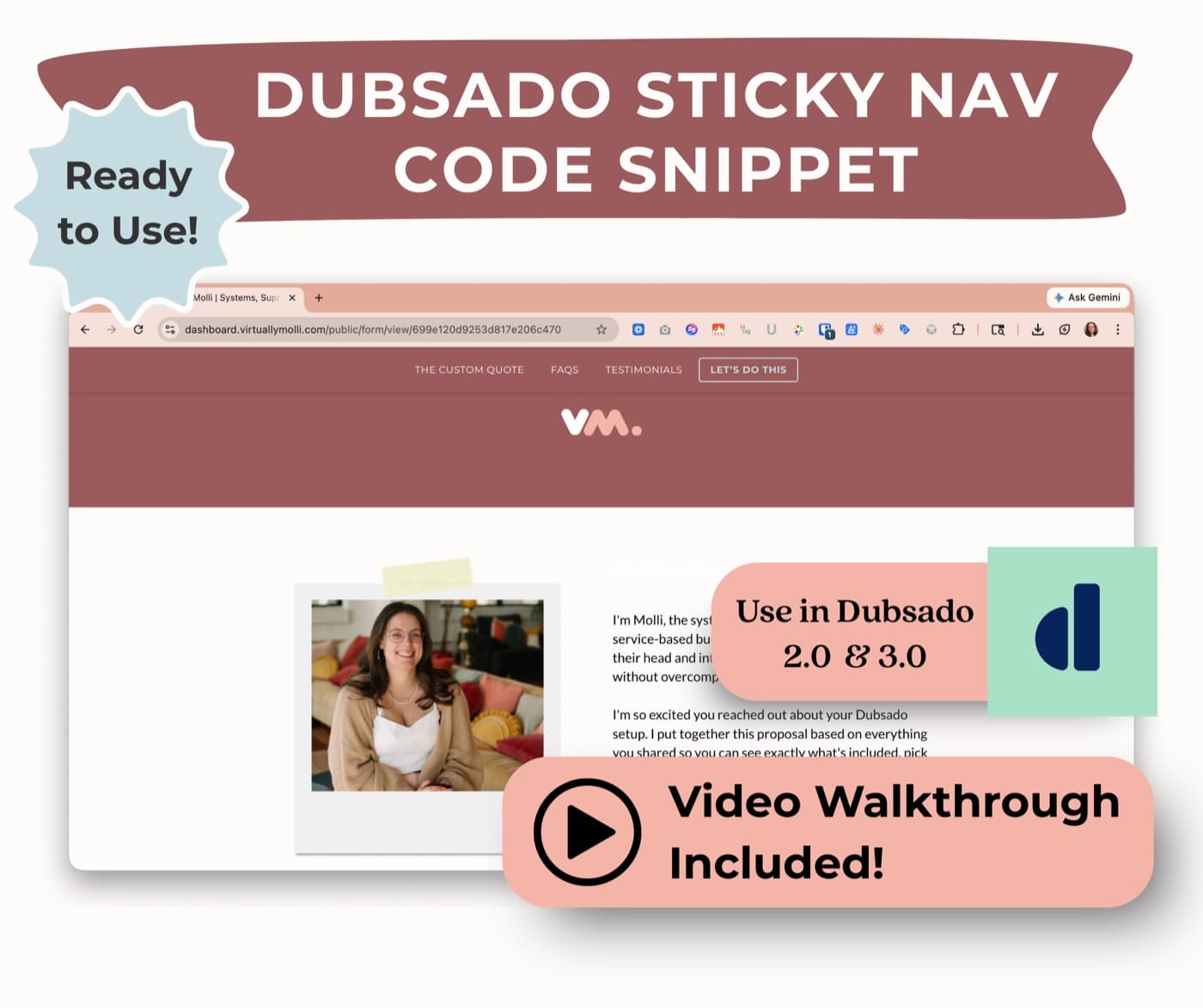
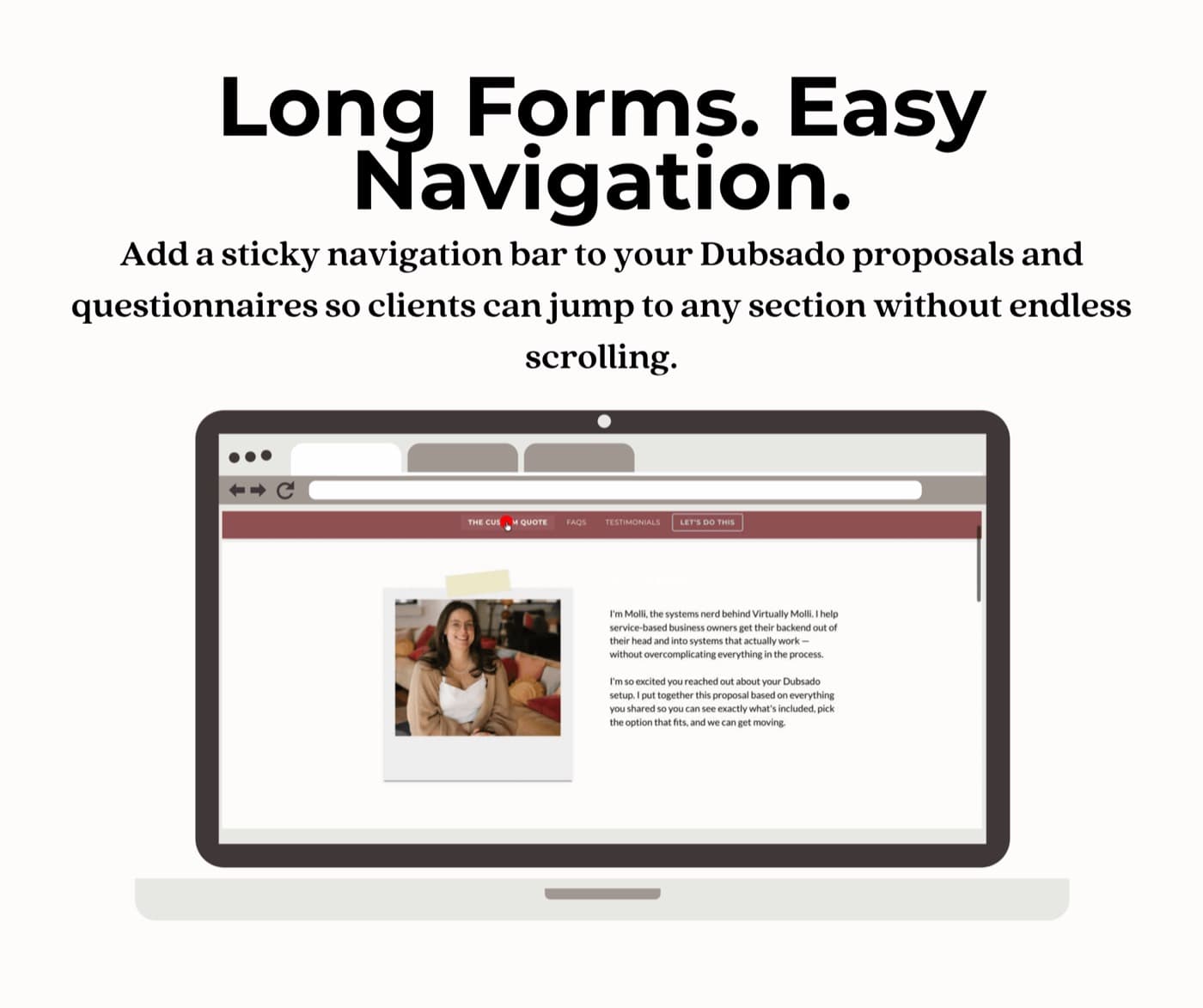
Long Dubsado proposals make people scroll and scroll to find the part they actually care about, and half the time they miss it. This adds a sticky nav bar that stays pinned to the top as they scroll, with up to six links and a highlighted button that sends them right where you want them. You build it in a Notion code builder by filling in your brand details, the code writes itself, and you paste it into Dubsado's custom CSS. No digging through code.
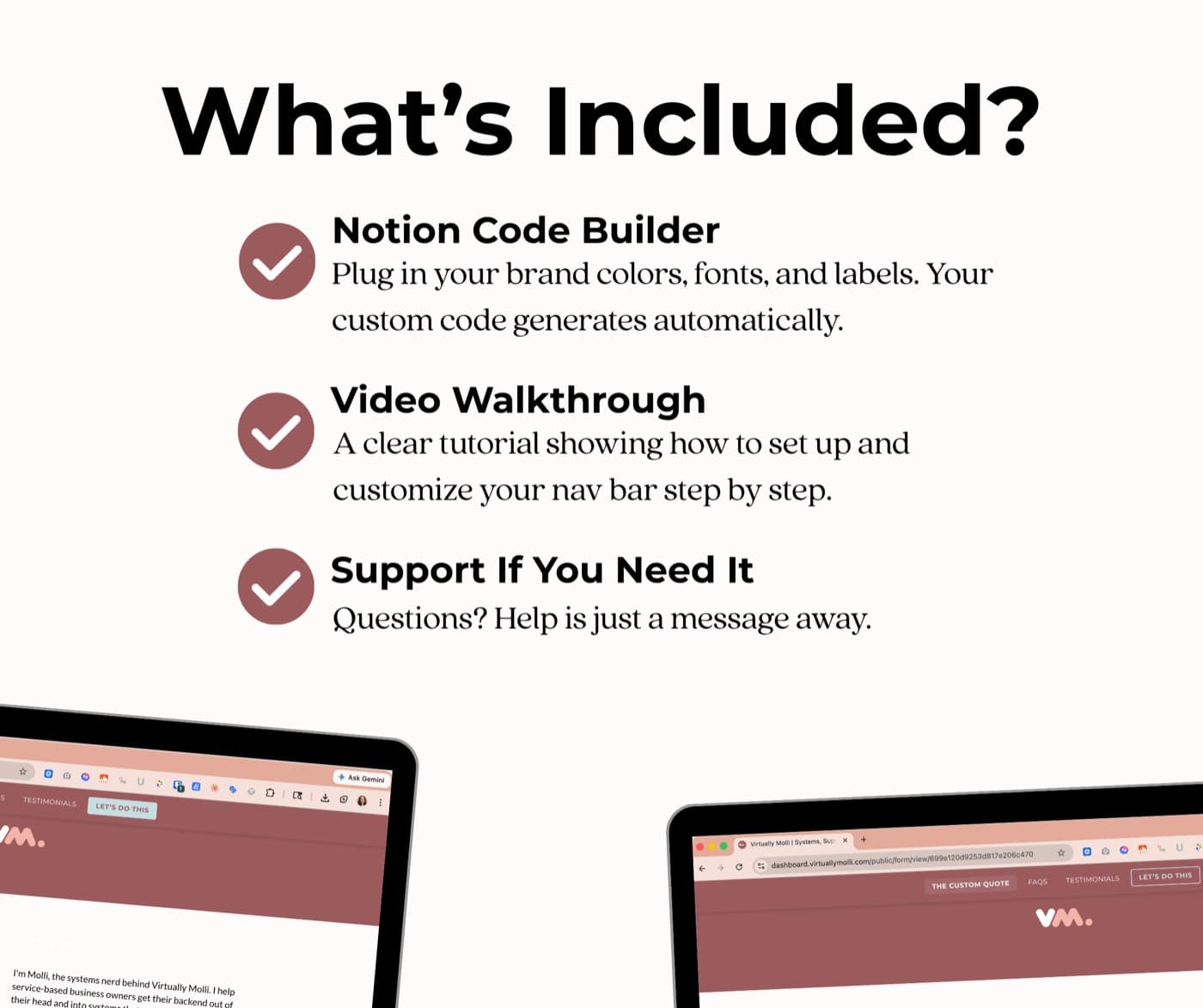
- A Notion code builder that writes the nav bar code from your brand details
- A visual label guide, written setup steps, a video walkthrough, and a quick-start PDF
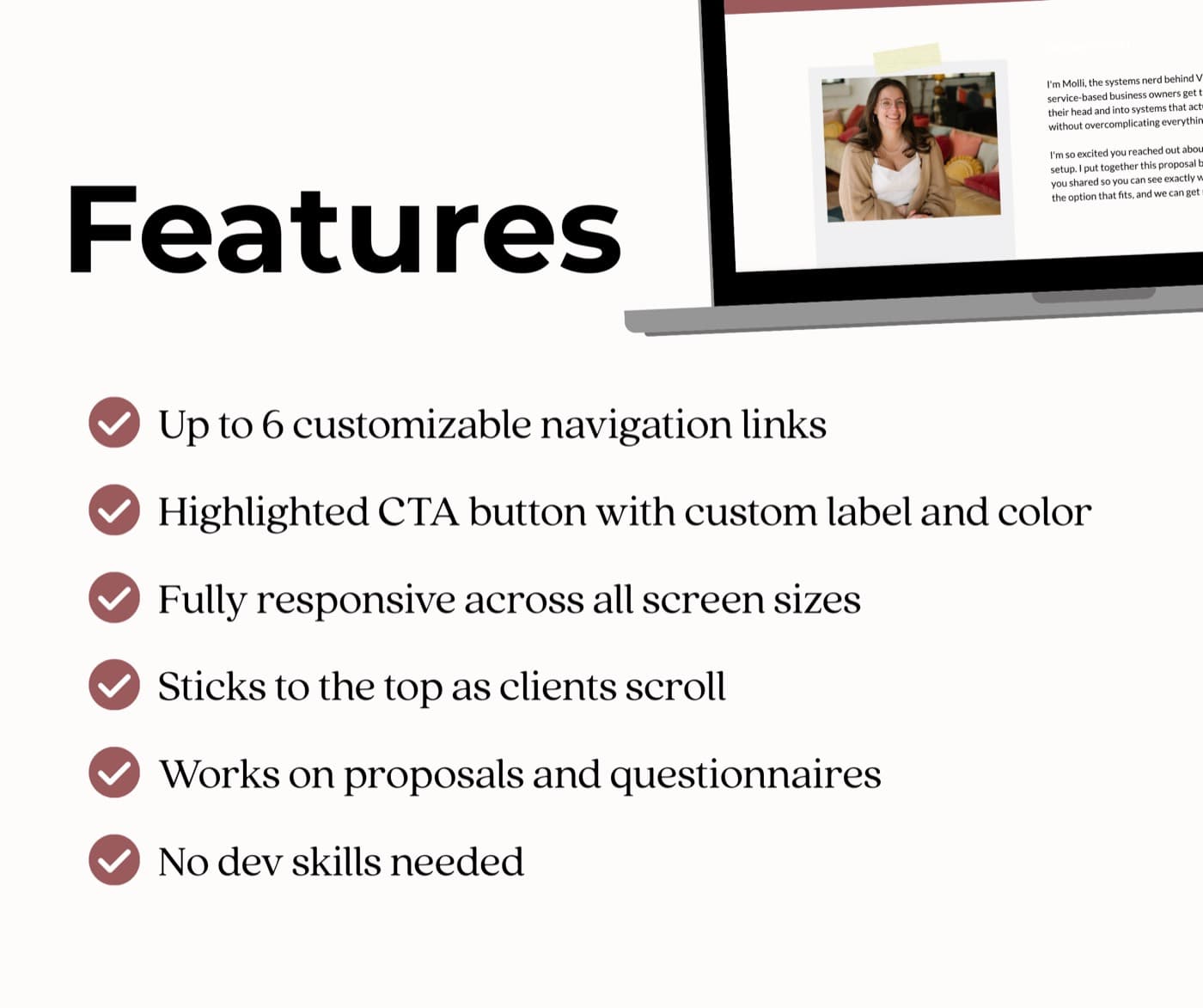
- Up to six links plus a highlighted button, in light or dark mode
- Fully responsive on desktop, tablet, and mobile, with the option to hide Dubsado's default tab bar
If it doesn't work for your setup, email me and we'll fix it or refund it. No forms, no hoops.
Powered by Stripe Guest checkout · Apple Pay & Google Pay · Instant delivery
Three steps, about five minutes
Fill in your brand.
Open the Notion builder and add a row with your colors, fonts, link labels, and button text.
Copy the code.
It generates as you fill the row. One block, ready to paste.
Paste it into Dubsado.
Drop it into the custom CSS field on your proposal or questionnaire. The walkthrough shows exactly where.